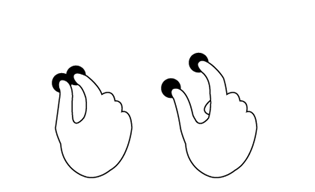
The Laserfiche app supports the following gestures:
Press: With one finger, touch the screen briefly.
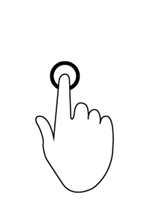
Long press: With one finger, press the screen and wait.
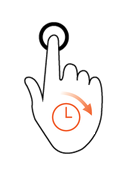
Double press with one finger: With one finger, press the screen twice. The second time should closely follow the first.
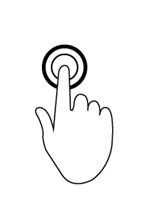
Swipe: Touch the screen and drag your finger quickly in one direction.
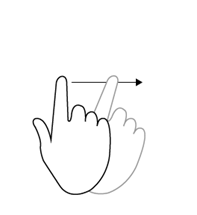
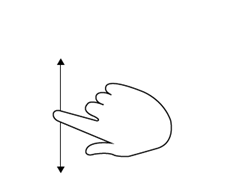
Scroll: Touch the screen with one finger and drag or swipe away from the direction you want to scroll (e.g., if you want to scroll up, drag your finger down).
Pinch: Touch the screen with two fingers and drag them closer to each other.
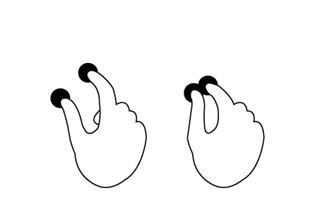
Spread: Touch the screen with two fingers and drag them away from each other.