Distributed Computing Cluster uses a group of machines to perform work for Laserfiche applications. Before it can be used, the Distributed Computing Cluster service must be installed as a Scheduler on one machine. For multi-node clusters, Distributed Computing Cluster must be installed as a Scheduler on one machine and as a Worker on one or more other machines.
To install the Laserfiche Distributed Computing Cluster Service
- Open the Laserfiche Installer.
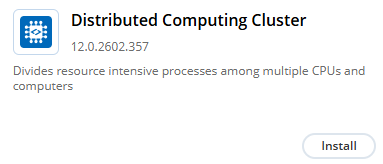
- Locate Distributed Computing Cluster and click Install.
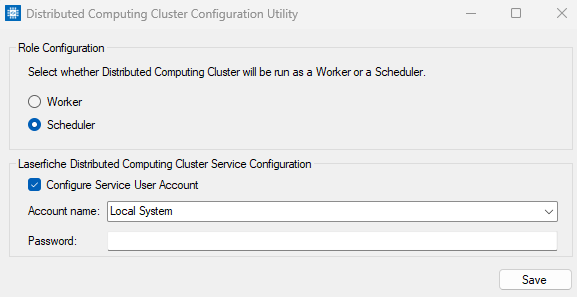
- After successfully extracting and installing, the installer will open the Distributed Computing Cluster Configuration Utility.
- Use the utility to configure whether the installed instance of Distributed Computing Cluster will be run as a Worker or a Scheduler as well and configure the service user account. If the installer does not open the utility, the utility can be located at the following default location: C:\Program Files\Laserfiche\Distributed Computing Cluster\bin\DistributedComputingClusterUtility.exe.
Note: The installer's default behavior will treat Distributed Computing Cluster as an application that requires a license. If no license is configured in the Installer, a license warning will be displayed. This warning can be ignored when Distributed Computing Cluster is configured to run as a Worker. A Distributed Computing Cluster license is required only when configuring the service to run as a Scheduler.