Quick Fields Agent Administration Console Interface and Navigation
The Quick Fields Agent Administration Console is a snap-in for the Microsoft Management Console, which determines its appearance.
The left pane, known as the  Console Tree, lists all available items.
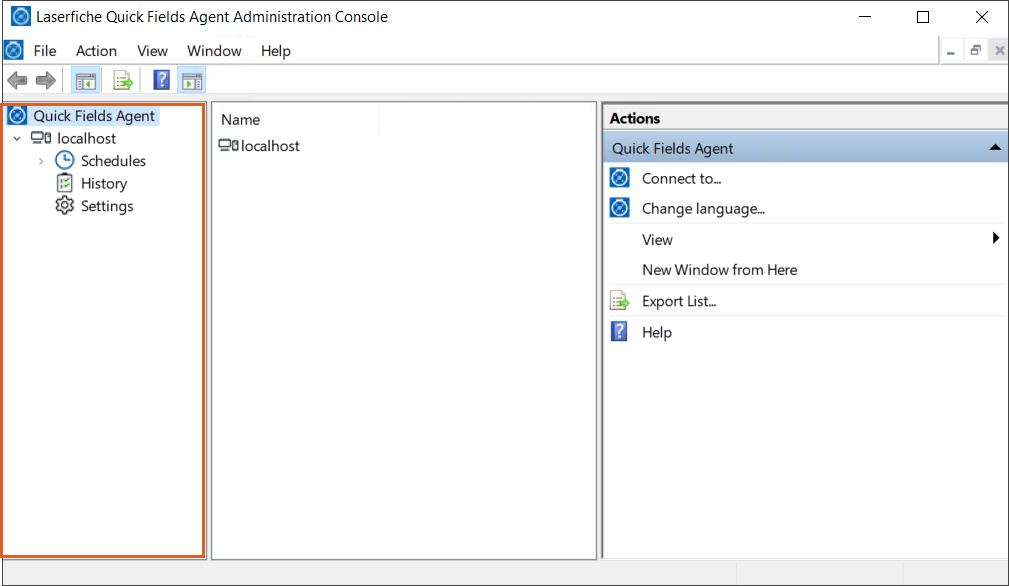
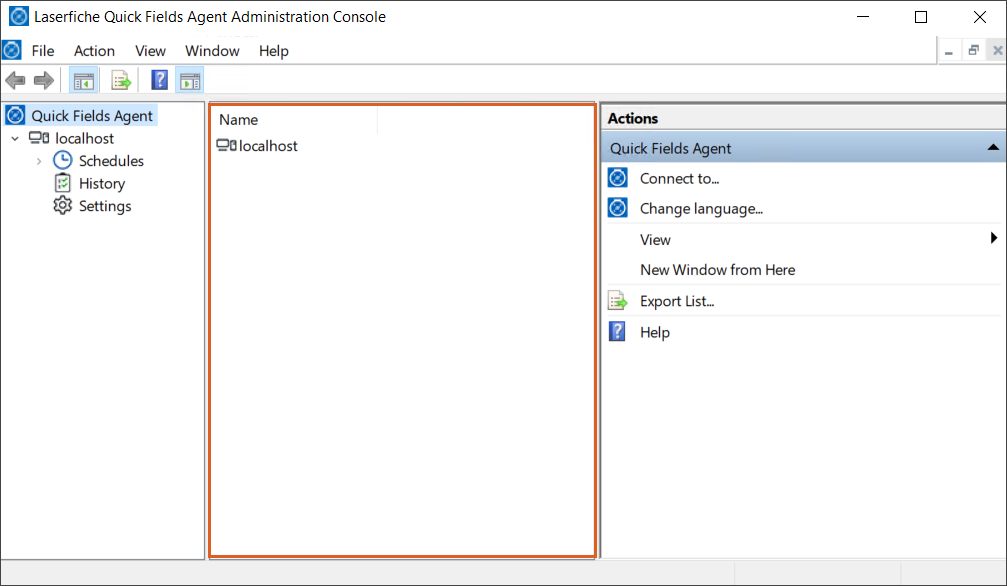
The center pane, the Results Pane, updates to show information related to whichever item is selected in the Console Tree.
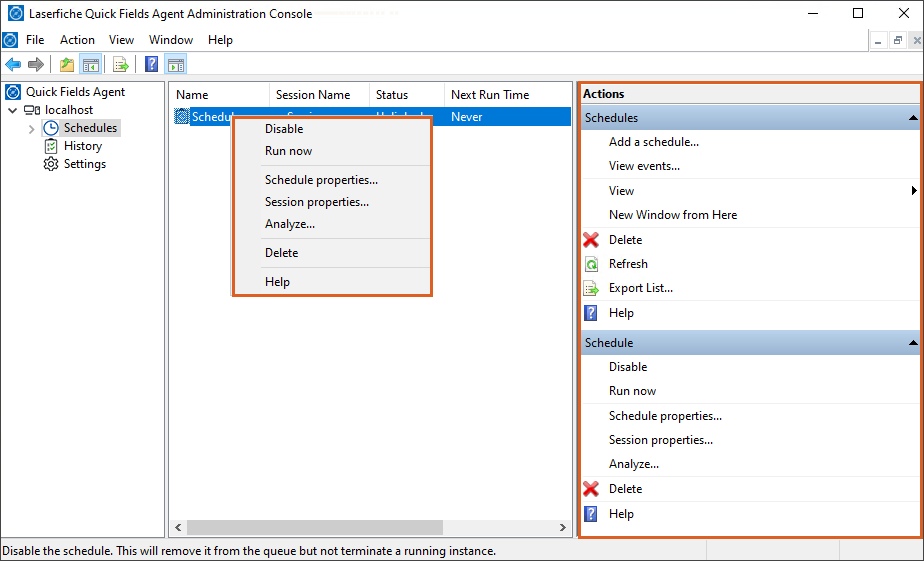
Right‑clicking any item in either pane opens a context menu, and the same options also appear in the Actions Pane on the right. These actions allow you to view properties, add or remove columns, and more.
For additional details on navigating the interface, consult the Microsoft Management Console help files, available from the Help menu alongside the Quick Fields Agent documentation.
Note: To see the most recent information, you may need to right-click in a pane and select Refresh.