Turn on Single Sign-On for Users in Laserfiche
- In Account Administration, click the Users tab.
- Click the name of the user for whom you will be enabling SSO.
- Select the checkbox for Enable Single Sign-On.
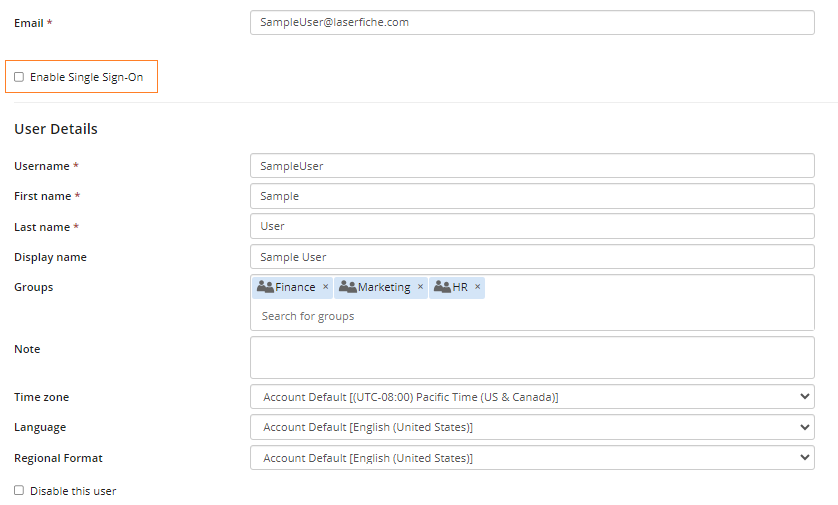
- Once Enable Single Sign-On is checked, the Federated ID field will appear. This is set in your identity provider's page.

- Click Save to finish.