CSS and JavaScript in the Form Designer
JavaScript in the Form Designer
The Form Designer includes the LFForm object to allow access to the individual form elements.
To access the JavaScript pane in the Form Designer, click the JavaScript icon: 
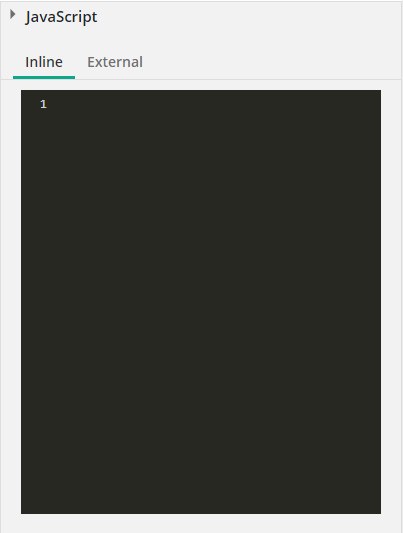
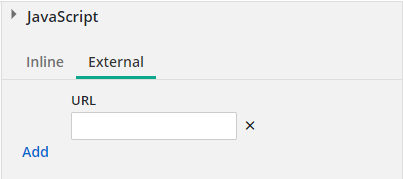
When selected, the right pane will display either the JavaScript inline editor or the external script selector.  Show me what this looks like.
API References
Dive deeper into specific areas of the LFForm API:
-
Read API
Learn how to retrieve field values and find fields.
-
Write API
Discover how to modify fields and handle operations.
-
Events API
Subscribe to and handle form, field, and lookup events.
-
Properties API
Understand runtime form properties and state.
Additional Resources
-
Recipes
Learn more about common patterns and solutions.
-
Custom HTML guide
Check out our custom HTML and sandbox integrations.
Themes and CSS in the Form Designer
The form designer provides an easy way to select a theme or create custom styles for your forms. To access the Theme panel, select the paintbrush icon in the toolbar.

Click here to read more about styling in the form designer.