Using the Token Dialog
The Token Dialog lets you view and modify tokens.
Using the Token Dialog
- Click the Token button (right arrow)
 to add a token.
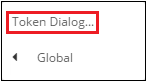
 - Select Token Dialog... from the drop-down menu.
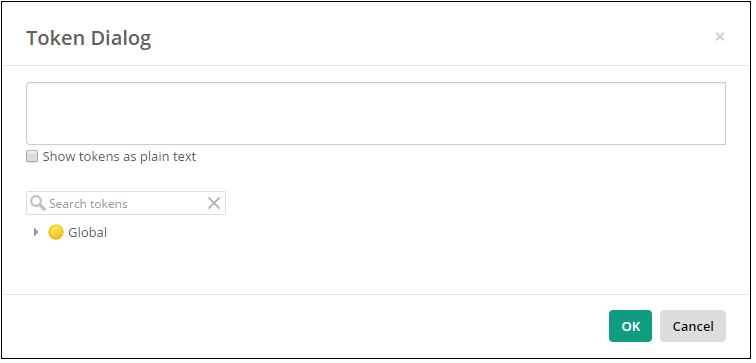
- In the dialog box, expand the drop-downs to select a token. Use the search box to search for a token.
- In the text box at the top, select the token to configure it in the Token Editor. You can click Show tokens as plain text to edit tokens as text.
- Click OK.